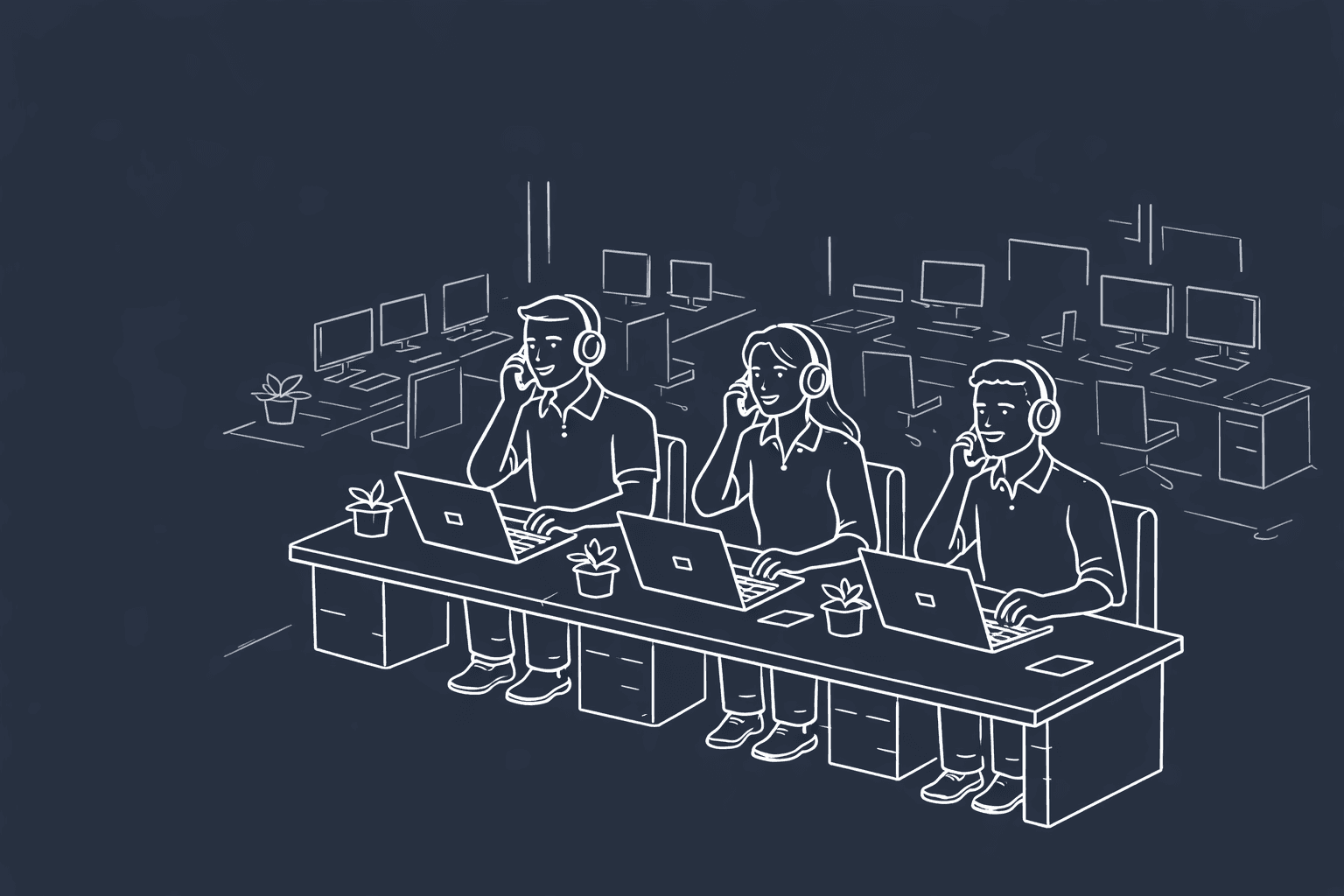
A cloud phone system is another term for Voice over Internet Protocol (VoIP). Essentially, it allows you to make phone calls over the internet instead of an analog phone line. But if you already have a traditional phone system, why would you want to update to a cloud-based system?
We'll explain exactly what a cloud phone system can do for your business, including call features, how to choose a reliable system, and the necessary equipment you need to run it. From large-scale operations to small businesses with only a few dozen employees, a cloud phone system can increase your team's capabilities.
Looking for a system that enhances your current workflows? Hooked CRM combines the benefits of a cloud-based phone system with CRM capabilities and an AI assistant, creating an all-in-one program for all your calling needs. Book a demo with us today to discover how Hooked can upgrade your current system.
What is a Cloud Phone System?

A cloud phone system transmits your voice over the internet rather than through copper wires, which most traditional phone lines use. This allows you to make and receive calls through your phone, computer, or any other device connected to the internet.
Cloud phone systems are more versatile than traditional systems because they can be used anywhere and include call analysis features.
How Does a Cloud Phone System Work?
Cloud phone systems convert your voice into a digital signal that's sent over the internet and relayed by other devices. You would make a call through a cloud phone system the same way you'd call through a traditional signal, except you would be interfacing with your computer or an app on your phone.
What Equipment Do You Need?
Setting up a cloud phone system is easy. Here's a checklist you can use to see if you have the equipment needed to run a cloud phone system:
- High-speed internet access
- Computer, VoIP adaptor, or specialized phone
- Calling workspace software
- Microphone
- Headset
Once you have the equipment ready, you're ready to start making and receiving calls through your cloud phone system. Most of these items are easily accessible and portable, making it easy to transport your setup anywhere. The only other thing you need is great call center training for your call representatives.
Cloud Phone System vs Hosted PBX
Hosted PBX (Private Branch Exchange) and cloud phone systems are often used synonymously; however, there are slight differences between the two. A hosted PBX mimics a traditional phone system using an off-site data center. Cloud phone systems are a broader, more flexible term built for internet-based workflows.
When you use a hosted PBX, you will be using a system that resembles a traditional phone system with additional hardware and physical systems. That's opposed to cloud phone systems, which use software designed for internet-based contact.
Benefits of a Cloud Business Phone System

Having a cloud phone system for your business is extremely beneficial for you and your team. Here are just a few of the advantages you can expect after switching to a cloud-based system:
- Cost-Efficient: cloud phone systems are cheaper than traditional systems since you won't have to purchase additional hardware for your team.
- Remote & Hybrid-Friendly: cloud-based systems are accessible from any device or location due to their inherent flexibility.
- Scales with Your Business: depending on the program you purchase, you can easily add more people to your phone system.
- Integrates With Your CRM: most cloud-based systems can integrate with your current toolset, including your CRM.
What Are the Disadvantages of a Cloud Phone System?
Cloud phone systems do have some disadvantages, especially if you're not prepared to switch to an internet-based system. Here are some of the disadvantages you can face if you're not properly prepped:
- Dependent on Internet Quality: cloud-based phone systems require high-speed internet for stable call quality. If you don't have access to a quality internet connection, you're apt to drop calls frequently.
- Call Quality Varies: call quality varies depending on your setup, internet quality, and more. If you ever experience poor call quality, you should contact your tech support department to address superficial issues.
- Security Considerations: this primarily depends on the kind of program you invest in. However, it is a concern if you can't verify the program's security.
Even though these disadvantages can surround cloud phone systems, they can be easily remedied with a game plan, an industry-specific CRM, and a reliable support team.
Key Features to Look for in a Cloud Phone System
Not every cloud phone system is made equally. There are a fair number of key features you should prioritize. These will ensure that your workflows remain efficient and well-maintained. Here are some of the features we believe you should consider:
Core Call Management
The backbone of any cloud phone system is the call features. While not every dialer will have these features available, here are the ones we believe you should prioritize:
- Calling: having decent inbound and outbound calling capabilities can make or break your call center.
- Merging Calls: if you're having issues with a client or customer, having a manager hop onto the call can be helpful.
- Transferring Calls: having the ability to hand the call off to a more capable individual should be a feature you prioritize to enhance your workflow.
- Barging Calls: with a barge, managers and administrators can enter a call when the representative needs assistance.
- Pinging: sending requests to coworkers and managers while on a call.
- Chat/SMS: although phone systems are primarily used for calls, they should be able to message your clients and customers.
- Whispering: if a call representative needs some live advice, a whisper function is ideal for managers who want to speak to the representative without the customer listening.
Of course, there are plenty of other call features to consider, but before you review them, reflect on your business and what is a priority.
CRM and Business Tool Integrations
Your cloud phone system should integrate with your current toolset, especially your Customer Relationship Management (CRM) system. With a CRM integration, you'll be able to pull client information as soon as they call in and update it as needed.
A proper CRM will track all your client notes, calling behaviors, and future appointments for reference. This keeps employees organized and confident as they build client relationships.
We highly recommend investing in a system that already integrates with your current CRM and other call analytics tools. However, the only exception is a dialer with a native CRM, like Hooked CRM.
Analytics, Call Recording & Reporting

While your CRM should handle most of the call analytics, having your cloud phone system document basic information helps your team's efficiency. At a minimum, it should track the duration and number of calls you've had. That way, your CRM can digest that information and provide insights for review.
Your cloud phone system should record your conversations and save them to the program, which can be downloaded or replayed directly from the user interface. This gives you full control of your calls and allows you to migrate the data to the tools you need for further analysis.
How to Choose a Cloud Phone System for Your Business
Not every cloud phone system is created equal. You should always determine your business's needs before making a decision, so you make an informed choice for your employees.
Not sure what you should ask yourself? Here are a few questions that can guide your decision-making process:
- What are your needs?
- What features are you hoping to implement?
- Does it integrate with your existing CRM and tools?
- What is the pricing structure for the cloud phone system you're looking at?
- How reliable is the program you're looking into?
CRM & Cloud Phone System Communications
One of the most important questions you should ask yourself is whether your cloud phone system will communicate with your CRM. Your CRM should be the bedrock of your business since it facilitates the relationship between your call representatives or agents and your customers. Without reliable communication between the two, your representatives are tasked with uploading the appropriate data into the system, which takes away from their time interfacing with new leads.
However, you shouldn't settle for a basic workflow with a simple integration between the two systems. Choose the cloud phone system with the features you'll use, such as AI assistance, auto-fill fields, and compliance checks.
How Hooked Solves Your Cloud Phone System Needs

Hooked is the perfect solution to your cloud phone system needs. It combines your dialer with every CRM feature and AI assistance to create a perfect, collaborative system. We created HookedCRM to solve every issue we've encountered in our insurance sales calls, so we've integrated every feature we wanted to see whenever our representatives faced issues.
If you're interested in how Hooked can enhance your workflow, book a demo with us today, and one of our representatives will contact you as soon as possible. We will answer all your questions about the software and show you exactly how it fits into your process.