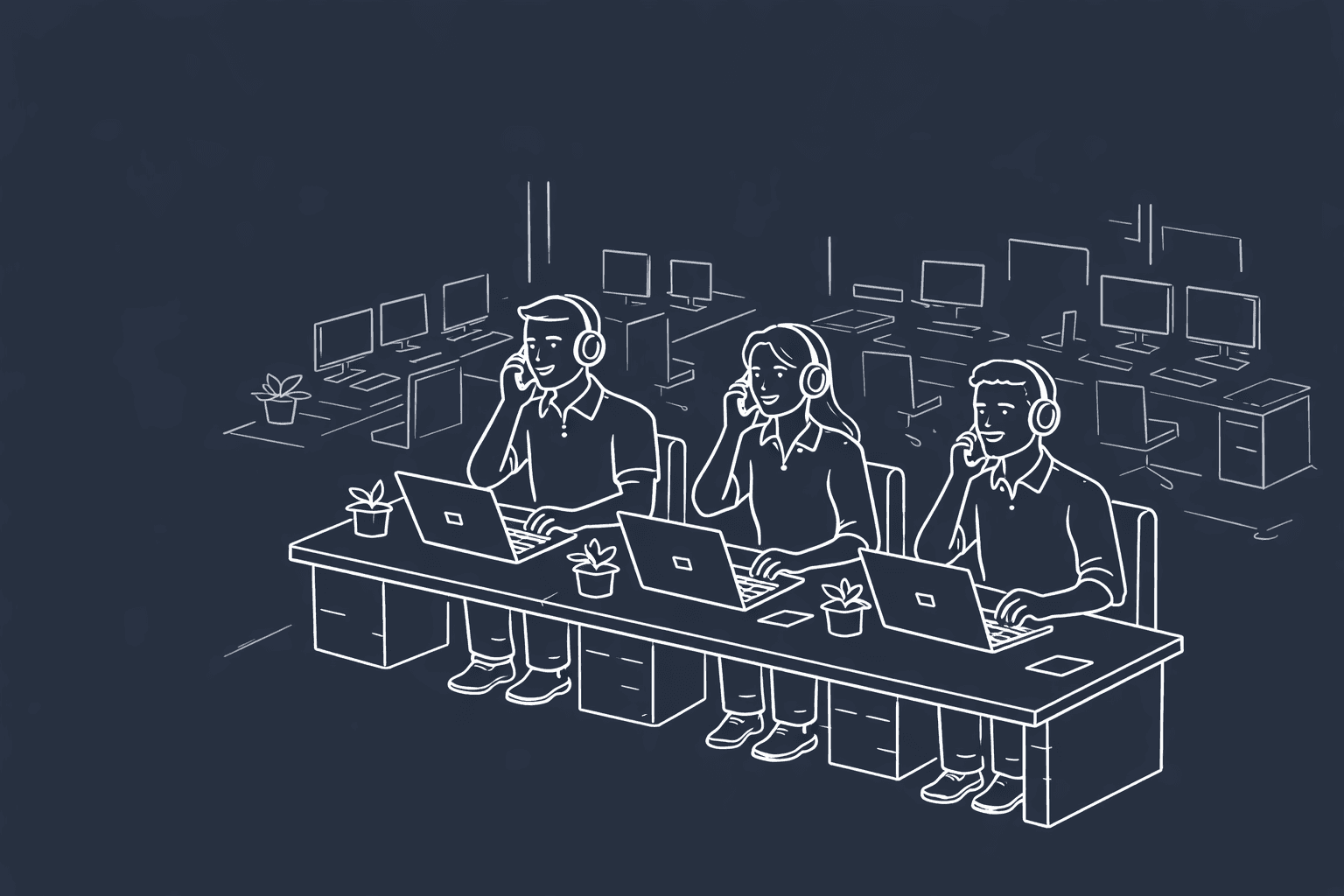
When you're managing calls, you may need to reference previous conversations to ensure compliance standards are met and log any missing information within your CRM. That's where call recording is useful.
Most dialer systems have call recording capabilities, which is the backbone for sales and support teams' call center training. However, you should be aware of the different types of call recorders, general compliance standards, and the benefits of call center recordings.
If you're interested in a dialer system that includes clear call recording, live transcription, integrated CRM, and AI assistance, look no further than Hooked CRM. We created an all-in-one system that enhances call center productivity and efficiency. Book a demo with us today, and one of our representatives can evaluate your workflows and show you how Hooked can level up your process.
What is Call Recording?

Call recordings are audio files recorded when calls occur. They can capture and store calls, and they are used to check quality assurance and compliance before being used in future training.
Dialers should record your calls and easily send them to your CRM or other analytic software. Of course, you could record all your phone calls via a phone app, but it becomes more difficult to transfer the information to your analytic tools.
How Does Call Recording Work?
When calls are routed through VoIP systems, the audio and metadata are captured; depending on the software, this can include date, time, agent, phone number, and client name (if available). Once the recording is made, the audio and information can be sent over to your CRM for further analysis.
Alternatively, you can use an AI assistant to translate the speech to text and analyze your calls, eliminating the need to upload your call to another system. When seeking a new dialer system, you should always find one with AI integration to evaluate customer sentiment and provide deep insights.
Types of Call Recording
Before you pick your dialer, you should decide on what kind of call recording would be best for your business. The different types of call recordings determine how recordings are triggered and stored within the system.
Here are a few of the different call recording types you should consider:
Cloud vs. On-Premises
Your audio files will be stored either on the cloud or natively on your computer. Depending on your security standards or whether you're in-office, you should consider where your files are stored, especially in insurance sales or other sensitive industries where you handle personal client information.
Saving things on the cloud can be safe if the dialer has security measures in place, so when you are testing different dialer systems and going through their features, always review their security and compliance standards to ensure they match with your company's values.
Automatic vs. On-Demand
Recording calls can be tricky from a legal viewpoint. While call recording is legal in most states, call representatives must disclaim that the call is being recorded. If your company is concerned about consent, then having a dialer automatically start call recording could be detrimental to your mission.
Oftentimes, dialers have the option to record audio automatically or by the click of a button. We recommend choosing an automatic system, since it eliminates human error when forgetting to hit the recording button.
Audio vs. Audio & Screen
There are a few different types of recordings you could employ at your place of business. Audio and screen recording is best used for video calls to ensure you capture facial expressions and body language. However, this type of recording is uncommon in dialer systems, since most dialers don't have video capabilities.
If your workflow requires you to record video, you should seek a dialer system that supports clear recording for your process.
Who Uses Call Recording?

Call recording is useful for all kinds of teams across different industries. They can use the recordings to evaluate customer sentiment, pinpoint pain points, and identify their customer's needs. Here are just a few of the industries using call recordings and how they are using them:
- Sales: Teams in this industry use call recordings to identify where sales were missed and how they can improve their next pitch.
- Customer Support: With these teams, customer sentiment analysis is essential to determining how your clients respond to information.
- Healthcare: Clients in the healthcare industry require very specific information to be logged, and call recordings ensure nothing is missed.
- Insurance: Similarly to healthcare, having detailed client information is essential to find the best deal for clients' health.
- Legal: Lawyers must track time to bill clients appropriately. Call recordings are used to evaluate these calls and record the length of each interaction.
These are just a few of the industries that utilize call recordings, but there are so many reasons you should consider recording your calls for the benefit of your clients and employees.
Benefits of Call Recording
Call recordings come with a swath of benefits. If you are working in a call center, you should always be recording your calls not only for quality assurance, but also for any legal disputes you may face. Here are just a few of the benefits you can expect from your call recordings:
- Better Call Training
- Faster Onboarding
- Compliance Evidence
- Customer Sentiment Analysis
- Richer CRM Context
Of course, before you pick a dialer, you should decide the features and benefits your company should prioritize. That's why we recommend you always book a demo with potential dialer companies to see if it will match your current workflow.
Call Recording & Compliance

Before you can start recording calls, you should review your company and state's compliance standards. Following these rules can give your clients confidence in your company and build the relationship. Here are just a few of the questions and categories you should review before you set up your compliance standards:
Consent Laws
Most states require call representatives to follow consent laws, which require agents to state that the conversation will be recorded. Once the client responds, you can continue the conversation and proceed with the recording.
This ensures that your customer is fully aware of the recording process and allows you to store it in your system.
Industry Regulations
If you're in the life insurance industry, you're familiar with all the regulations you need to be cognizant of, like HIPAA guidelines and PII protections. These are rules you must follow if you plan to sell insurance, and these rules don't just apply to the life insurance industry.
There are various regulations you should be familiar with, depending on your specific line of business. Each industry has its own guidelines, so you should check your industry standards to remain compliant with state laws.
Retention & Data Security
Keeping calls within your system can take up a lot of space. Luckily, there are rules in place that can guide you through how long you keep calls. How long you keep them will depend on your industry, state regulations, and business standards.
These regulations can be flexible depending on your preferences, so you should decide based on the company's needs.
How Hooked CRM Works as Your Call Recorder

As a CRM with a native dialer, Hooked CRM has call recording as part of the dialer. Once the calls are recorded, they are automatically sent to the CRM for further processing. If you invest in our Tacklebox AI, you can also receive live transcription, AI summaries, and automated form fills.
Hooked also has built-in compliance checks for your calls and business SMS, so you'll never miss compliance standards again. These standards are completely customizable, so you can ensure your business stays compliant.
Interested in using Hooked CRM for your business? Book a demo with us today, and one of our qualified representatives will walk through your workflow and show you how Hooked can enhance your process.
Frequently Asked Questions
Yes, phone calls can be recorded in plenty of ways. For call centers, your dialer will most likely record your phone calls.
Phone call transcription can be done through several means, but the most common way is to have an AI agent listen to the conversation and transcribe it live.
It can be. However, if you are calling a call center, you should always be asked for your consent before the call is recorded.
Yes, call recording is legal if you follow all the rules. Each state and organization has its own standards, so check your guidelines to see how to properly comply.
Yes, for most businesses, you are required to tell callers they are being recorded.
Yes, your call recordings should integrate with your CRM. This allows you to discover deeper insights with your calls.